Design
Display
Units
Speed is worked out on your device and never uploaded. The map loads tiles for your area from OpenStreetMap and Esri.
Trips are saved in this browser when you press Reset.
No saved trips yet.
Step by Step
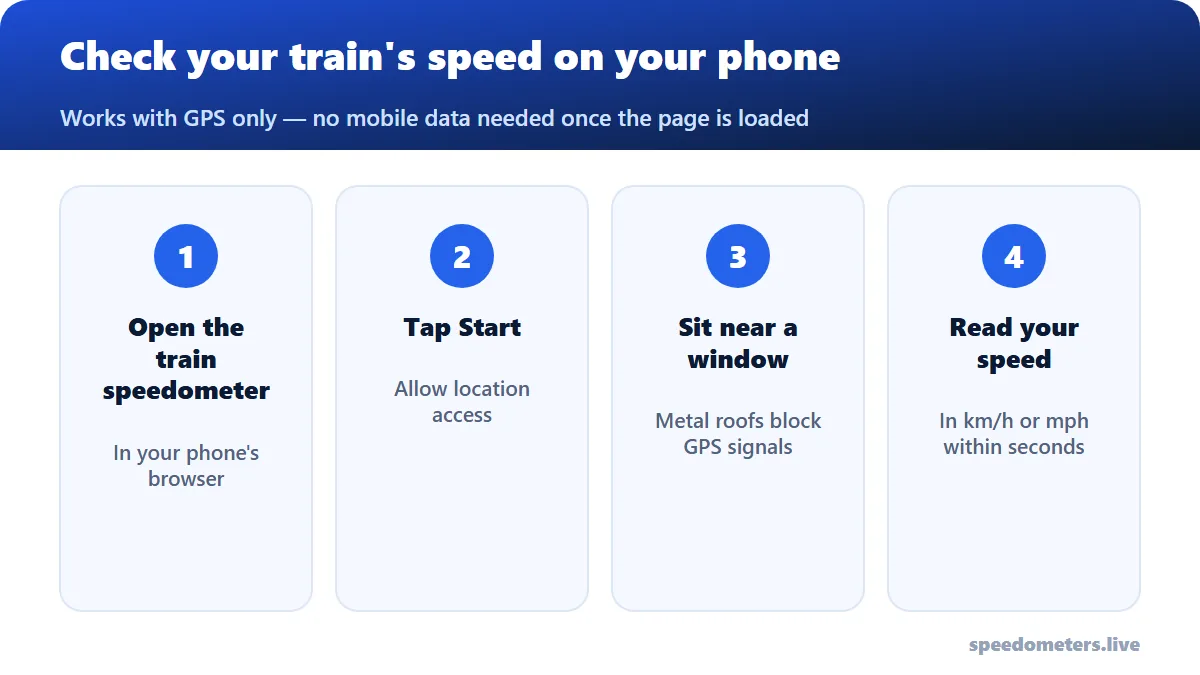
- 1. Load the page at the station
Open it while you have signal. GPS works without mobile data once the page is loaded.
- 2. Allow precise location
Tap Start and allow location. Keep precise location on.
- 3. Hold it near the window
Train roofs and metal-coated windows weaken GPS. A window seat — or resting the phone against the glass — helps a lot.
- 4. Wait for a fix
The first reading can take 10–60 seconds in a train. After that it updates about once a second.
Why Your Train Speed Shows 0 or Jumps
- Tunnels and underground sections: GPS can’t work without a view of the sky. Speed returns after the tunnel.
- Metal-coated windows: some modern trains have heat-reflective glazing that blocks satellite signals. Try a different window, or the door area.
- Middle seats: the further from a window, the weaker the signal.
- Stations: large roofed stations block the sky; readings resume once you leave.
Other Ways to Know Your Train’s Speed
- On-board displays: many high-speed trains show the current speed on screens in the carriage.
- Timing distance markers: some lines have kilometer or mile posts beside the track; time between two posts and calculate speed = 3,600 ÷ seconds.
Curious how your train compares? See how fast trains go.
Frequently Asked Questions
How can I know the speed of my train right now?
Open the train speedometer, tap Start and keep the phone near a window. GPS shows the live speed.
Does it work on the metro or subway?
Only on sections above ground. GPS doesn’t work in tunnels.
Do I need internet on the train?
No — only to load the page. You can also install it as an app for offline use.