Version 1.0 · 4.2 MB · Android 7.0 or later · Free. Prefer not to install anything? The online speedometer works in your browser.
What you get in the app
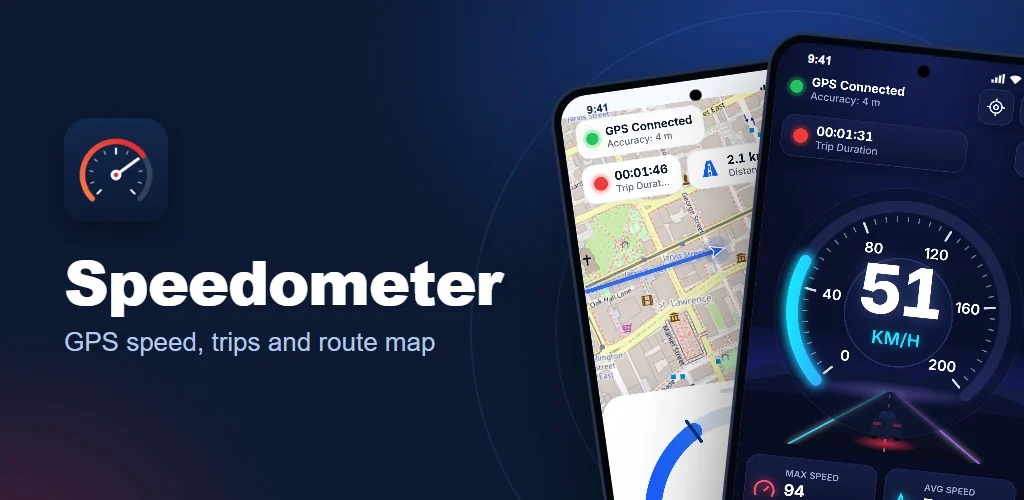
The app is the same GPS speedometer you use on this site, built as a native Android app so it runs full screen, keeps the screen on and uses your phone’s own GPS.
- Five designs: Night Drive, Sport, Glass, Clean & Modern and Map + Gauge. Swipe the gauge to switch.
- Three display modes: analog gauge, large digital numbers and a HUD mirror for your windscreen at night.
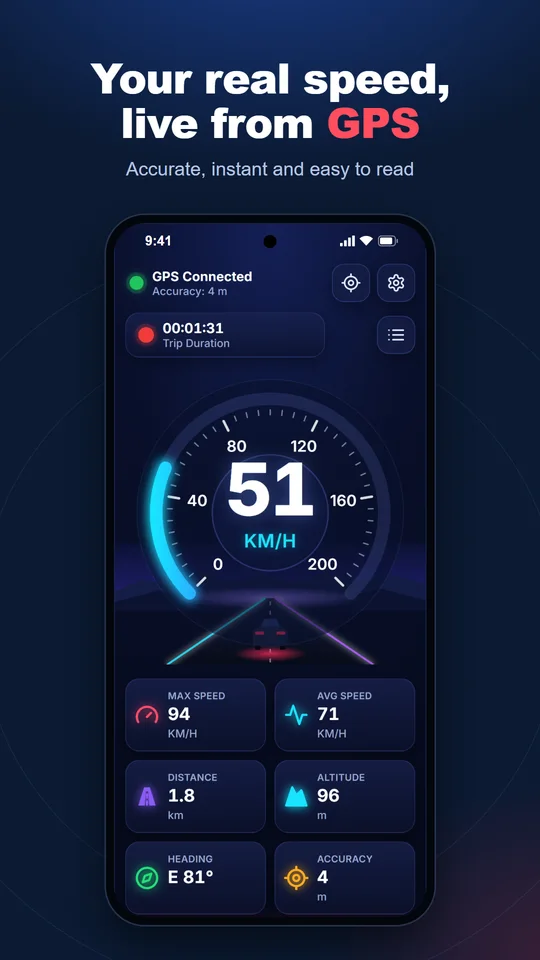
- Trip statistics: current, maximum and average speed, distance, trip time, altitude, heading and GPS accuracy.
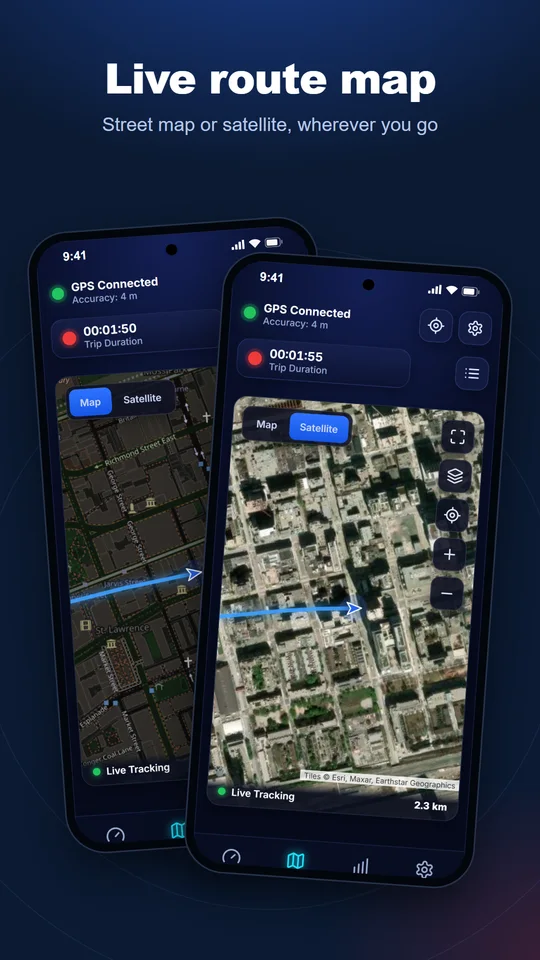
- Live route map: street map or satellite view, beside the gauge or full screen.
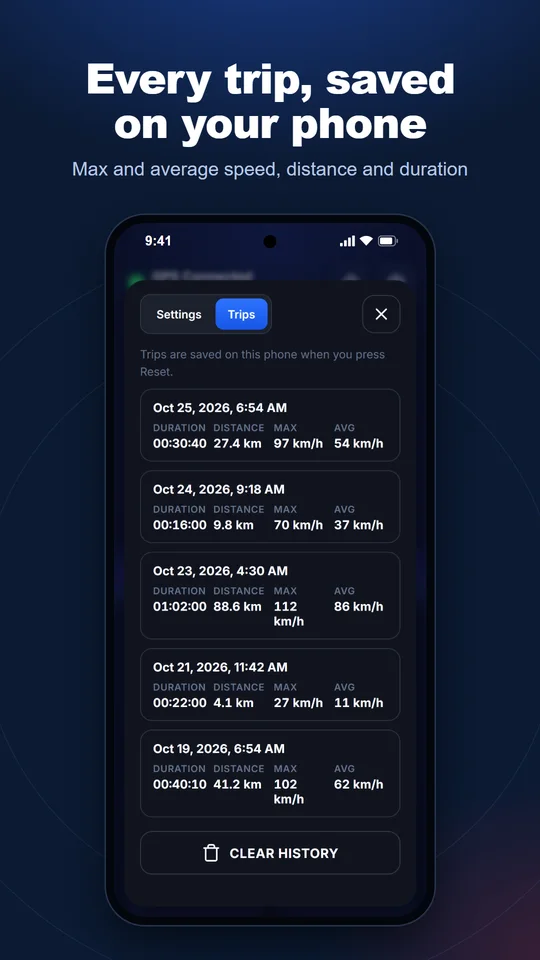
- Trip history: trips are saved on your phone when you press Reset.
- Units: km/h, mph, knots and m/s.
- Works offline: speed, distance and trips need no internet connection; only the map images are downloaded.
How to install the APK
Android asks for one extra permission the first time you install an app from outside Google Play. It takes about a minute:
- Tap Download for Android above. Your browser saves
Speedometer-1.0.apk. - Open the downloaded file from the notification or your Downloads folder.
- If Android says installs from your browser aren’t allowed, tap Settings, turn on Allow from this source, then go back.
- Tap Install, then Open.
- Allow location when the app asks, so it can measure your speed.
To update later, download the new version from this page and install it over the old one. Your trips and settings are kept.
App details
| Version | 1.0 |
| File size | 4.2 MB |
| Requires | Android 7.0 or later |
| Package name | live.speedometers.app |
| Price | Free, no in-app purchases |
| Ads and tracking | None |
| Permissions | Location (to measure speed) and internet (for map images only) |
| Developer | Speedometers.live |
| SHA-256 | 277f6ba7614313ff1706e33c8c4587cae3939b522280fc035f488bcc9a56e036 |
Is the APK safe?
The app is built and signed by Speedometers.live and is downloaded directly from our own server. It contains no ads, no analytics and no tracking code, and it never sends your location to us. Android checks the signature when you install it, and every future update must carry the same signature.
To check that your download is complete and unchanged, compare its SHA-256 checksum with the one in the table above. Read exactly what the app does with your data in our privacy policy.
App or browser: which should you use?
Both measure your speed the same way. The online speedometer needs no install and works on iPhone, Android and computers. The Android app adds a full-screen layout, keeps the screen on during a drive and starts faster from your home screen.
Frequently asked questions
Is there an iPhone version?
Not yet. On an iPhone, use the online speedometer in Safari and add it to your home screen.
Why doesn’t Android open the APK?
Open it from your Downloads folder and allow installs from your browser when Android asks. Some phones call this Install unknown apps.
Does the app work without internet?
Yes. GPS speed, distance and trip history work offline. Only the map needs a connection to load images.
Does the app run in the background?
No. It uses GPS only while it is open on your screen, which also saves battery.