Quick Answer: Set a speed, tap Start alert, and this page beeps and turns red whenever your GPS speed goes over it. It works in any phone browser — useful in a car without a speed warning, on an e-bike or scooter with a legal limit, or for new drivers. Keep the page open with the screen on.
Over-Speed Alert
—
Not running
Your phone needs its sound on for the beep; some phones also vibrate. The page asks your browser to keep the screen awake while the alert runs.
When a Speed Alert Helps
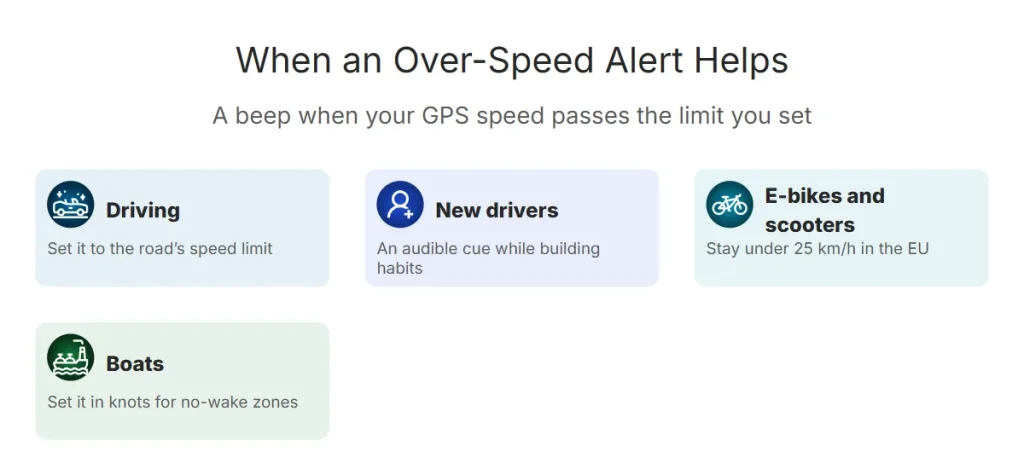
- Driving: set it to the limit of the road, or a few km/h under, as a reminder — especially in an unfamiliar area or a car without speed warnings.
- New drivers: a simple audible cue while building habits.
- E-bikes and scooters: stay under 25 km/h (EU) or your local limit — see e-bike and scooter speeds.
- Boats: set it in knots for no-wake or speed-restricted zones.
Map apps like Waze can also warn you when you exceed the posted limit — see speed on Google Maps and Waze. This page works without navigation and without an account.
Use It Safely
Important: Set the limit and start the alert before you move. Mount the phone and never touch it while driving or riding. GPS speed is usually a little lower than your car’s speedometer, which reads high by design — see why speedometers read high.
Frequently Asked Questions
How do I get an alert when I’m speeding?
Enter a speed, tap Start alert and keep this page open. When your GPS speed goes over it, the page beeps and turns red.
Does it know the speed limit of the road?
No — you set the limit. It doesn’t use map data.
Will it work with the screen off?
No. Browsers stop GPS when the screen locks or the page is in the background. Keep the page open on a mount.